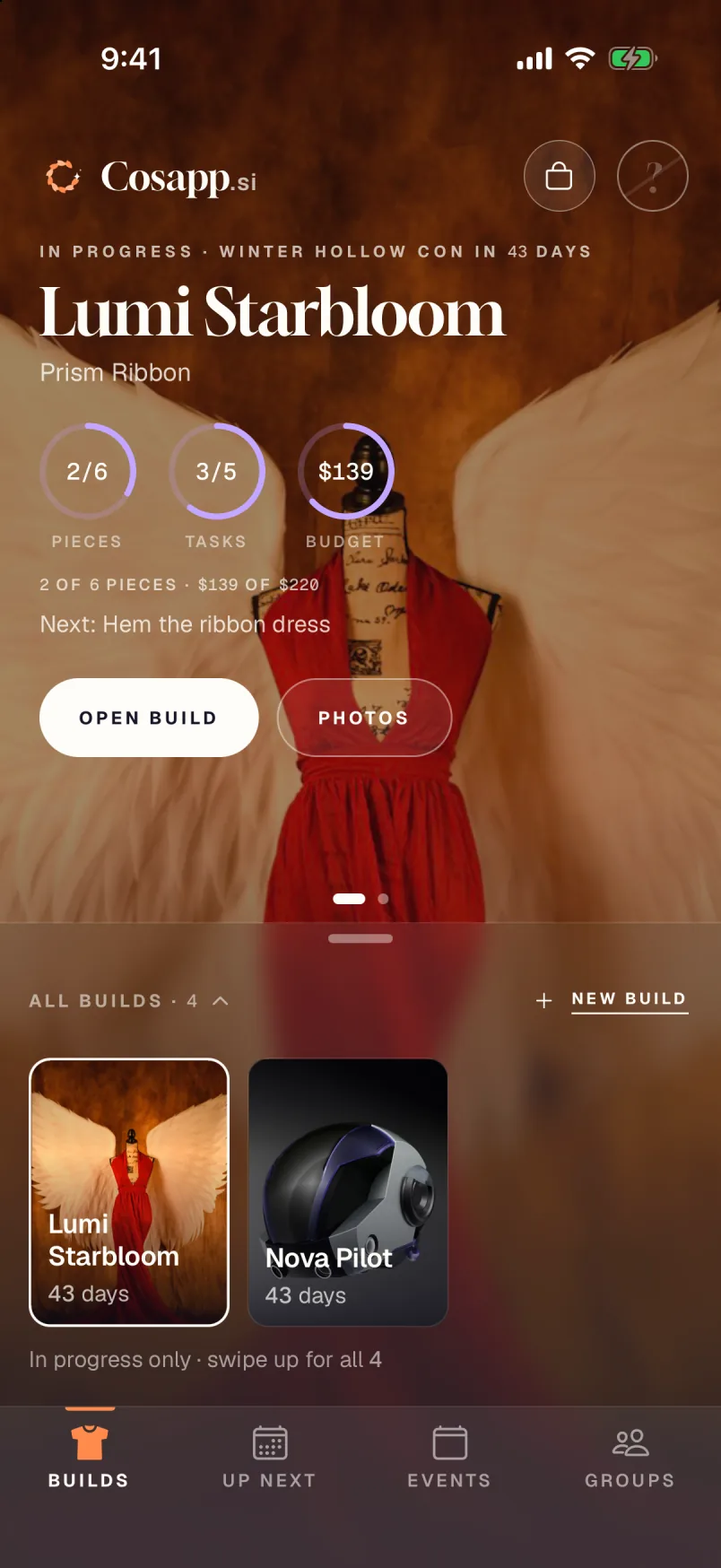
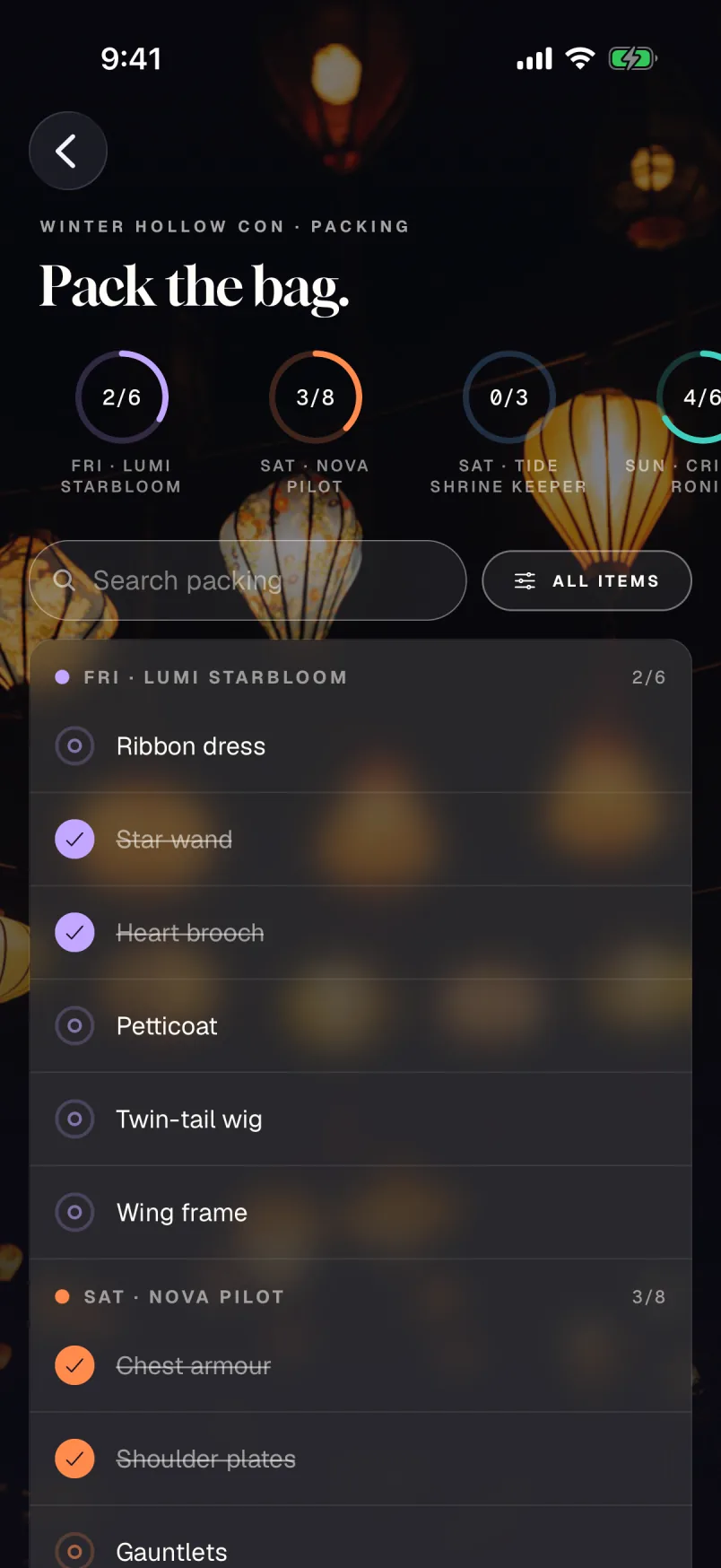
Each build is a character, a series, a target con and a budget. Here is the sample Nova Pilot build, finishing piece by piece.
01
List every piece
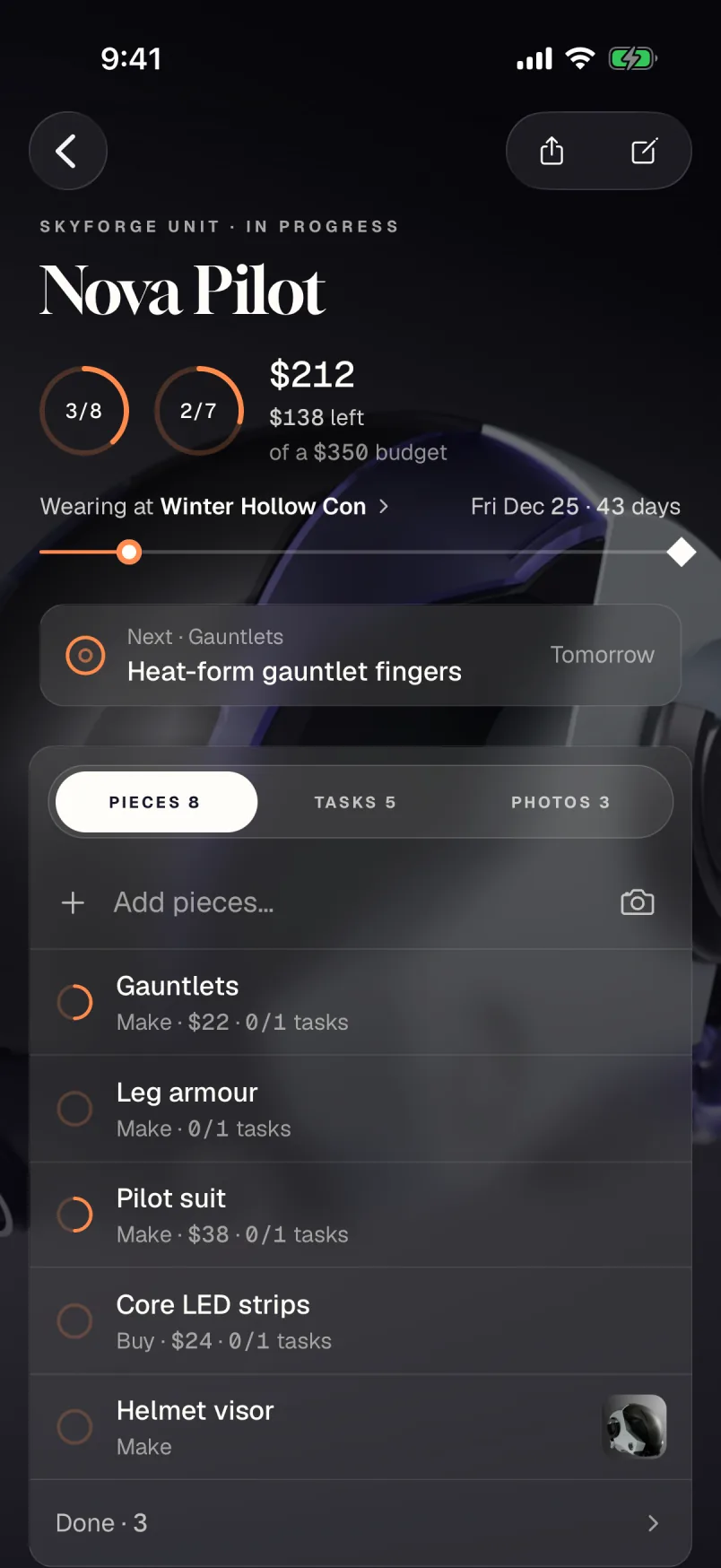
Make or buy, status, cost and the store link. Paste a whole list at once, then sort pieces into your own sections.
02
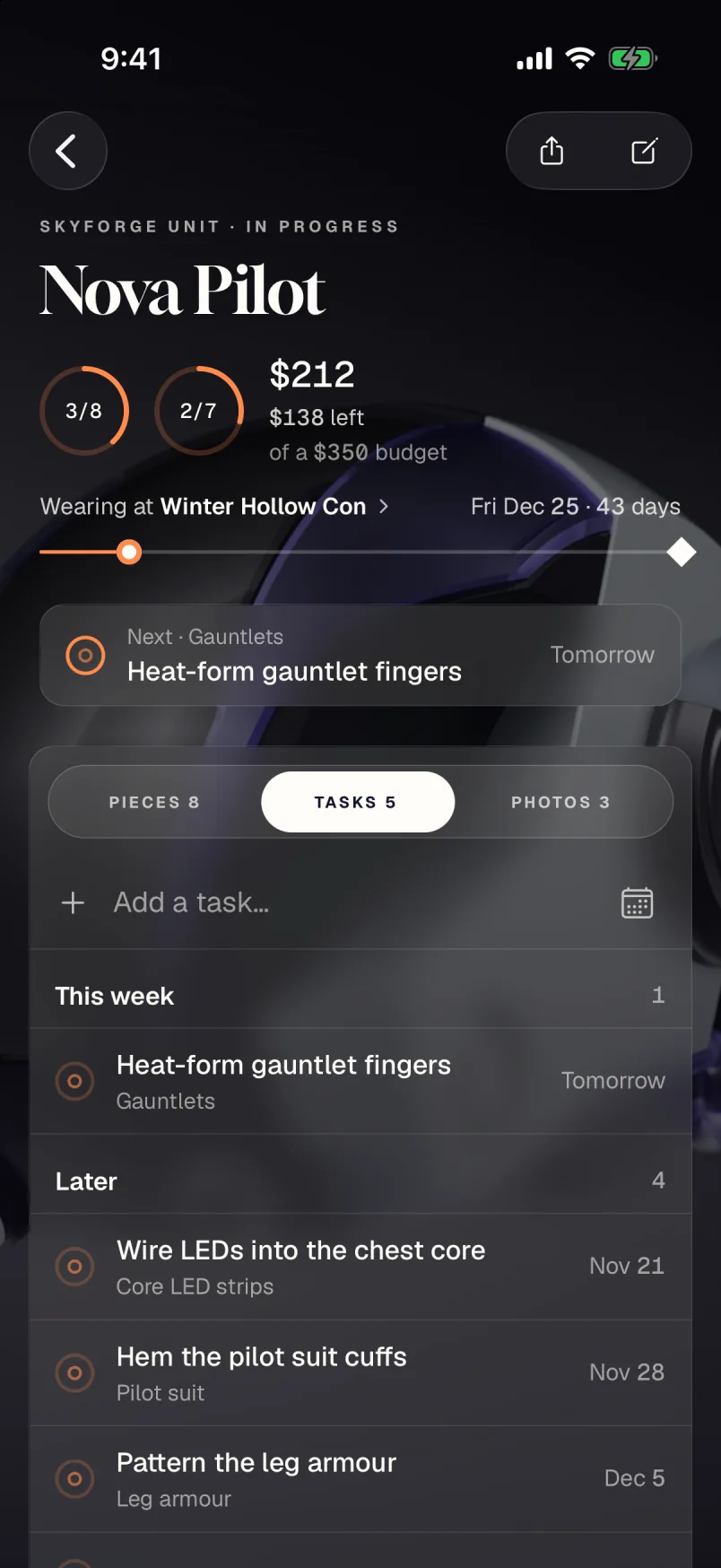
Tick off the tasks
Tasks and checklist steps for each piece, with due dates. A reminder taps you when it matters.
03
Watch the budget
Spent adds itself up against the budget you set, and one shopping list shows what is left to buy across builds.
List every piece. Make or buy, status, cost and the store link. Paste a whole list at once, then sort pieces into your own sections.
Nova Pilot
Skyforge Unit · sample build for Winter Hollow Con
3 of 8 pieces done ·2 of 7 tasks ·$212 of $350 spent
Chest armour · Make · $46Done
Shoulder plates · Make · $28Done
Gauntlets · Make · $22Working
Leg armour · MakeTo do
Pilot suit · Make · $38Working
Short blue wig · Buy · $54Done
Core LED strips · Buy · $24To do
Helmet visor · MakeTo do
In the app, before you start
In the app, before you start
In the app, before you start
Every con day, planned.
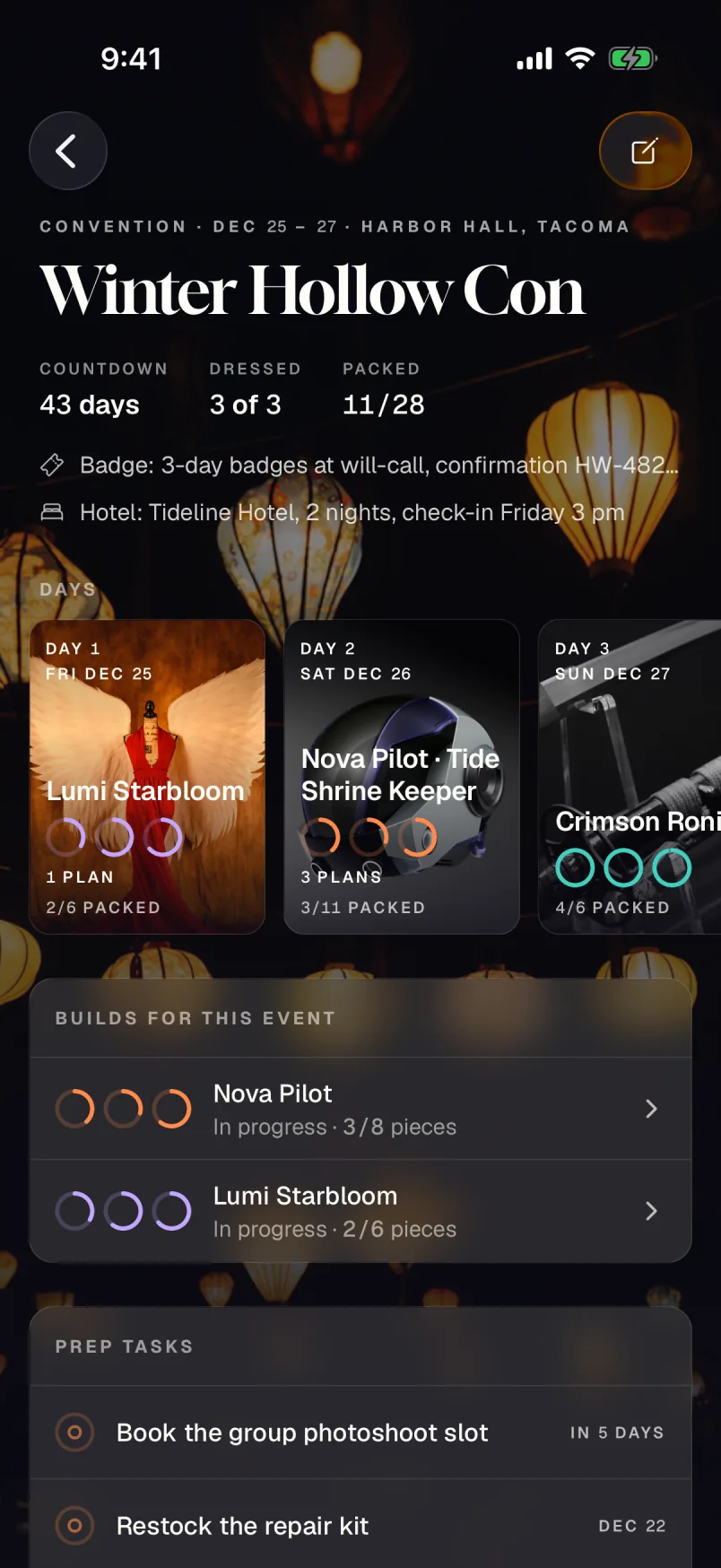
Add the con, the photoshoot or the meetup. Give each day its looks and plans, and Cosapp.si turns them into your prep and your packing list.
Looks and plans for every day
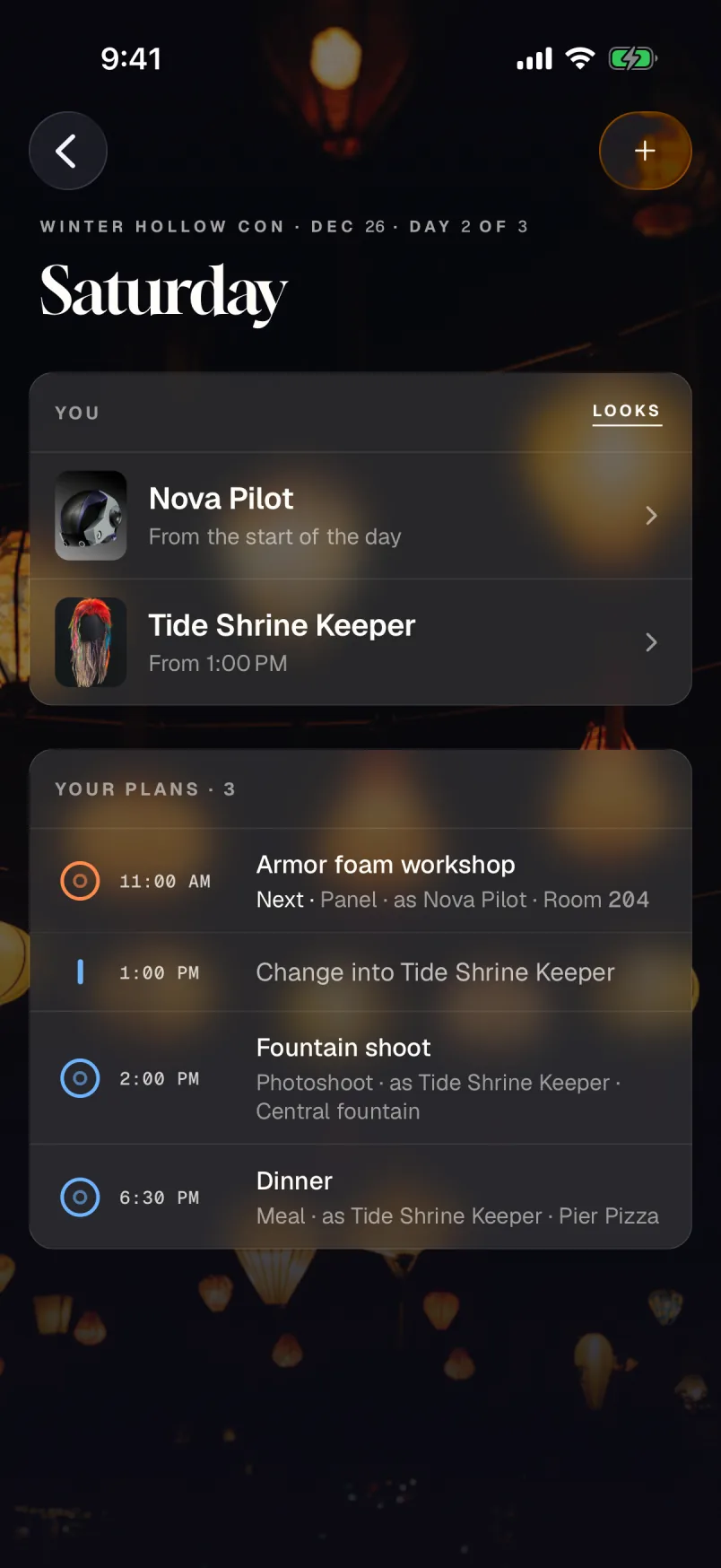
Wear one costume a day, or switch at 1:00 PM. Badge pickup, a panel, the fountain shoot: each plan has its time, its place and what you wear.
Prep tasks with reminders
Batteries to charge, the repair kit to restock: each with a due date and a nudge.
A packing list that writes itself
Every piece of every look you wear lands on the list. Add your own items; your checks survive changes.
Event
Day
Every stage, on film.
Patterns cutNova Pilot
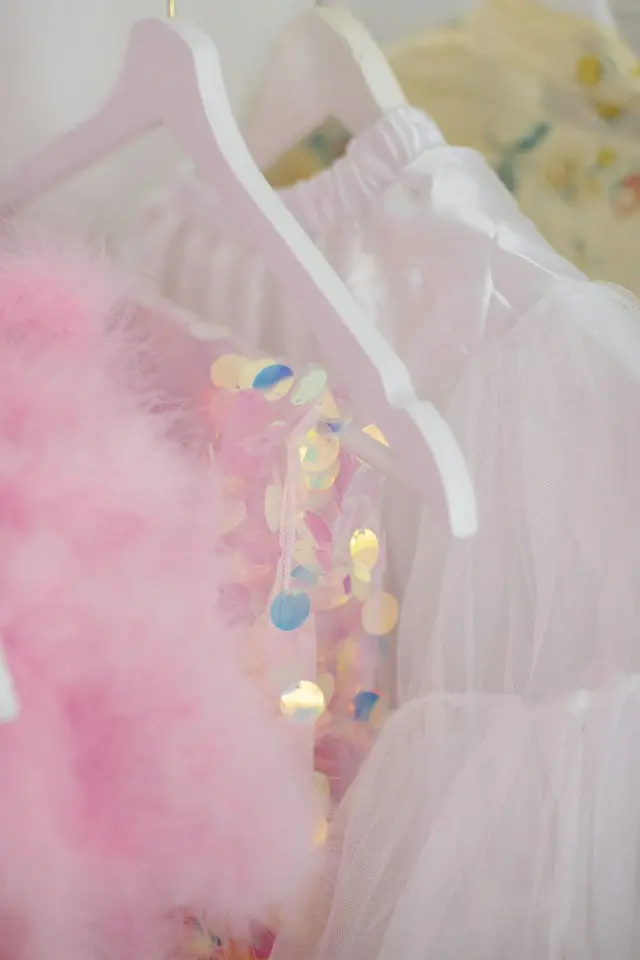
Tulle for the skirtLumi Starbloom
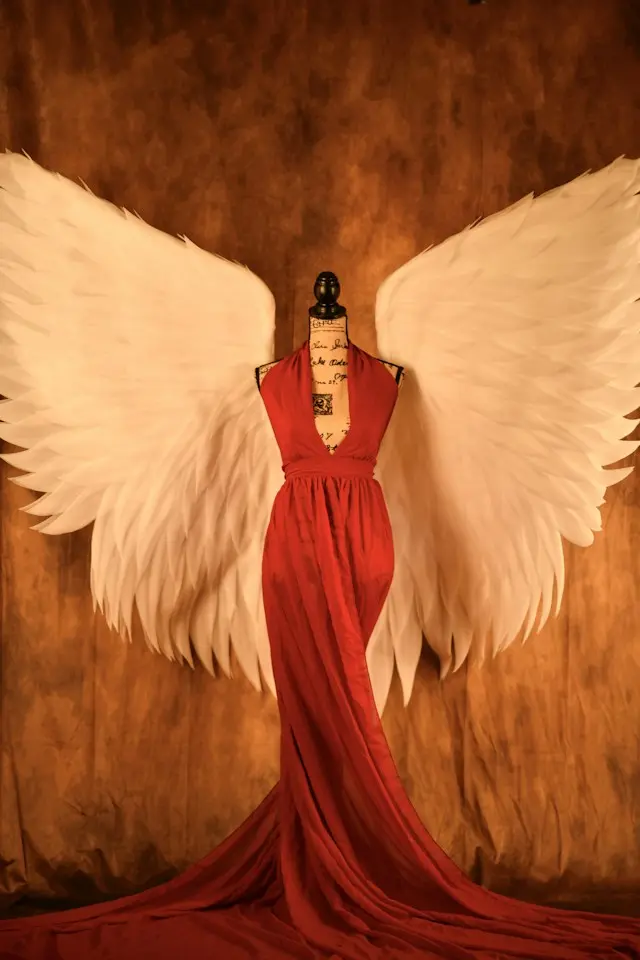
Wings on the formLumi Starbloom
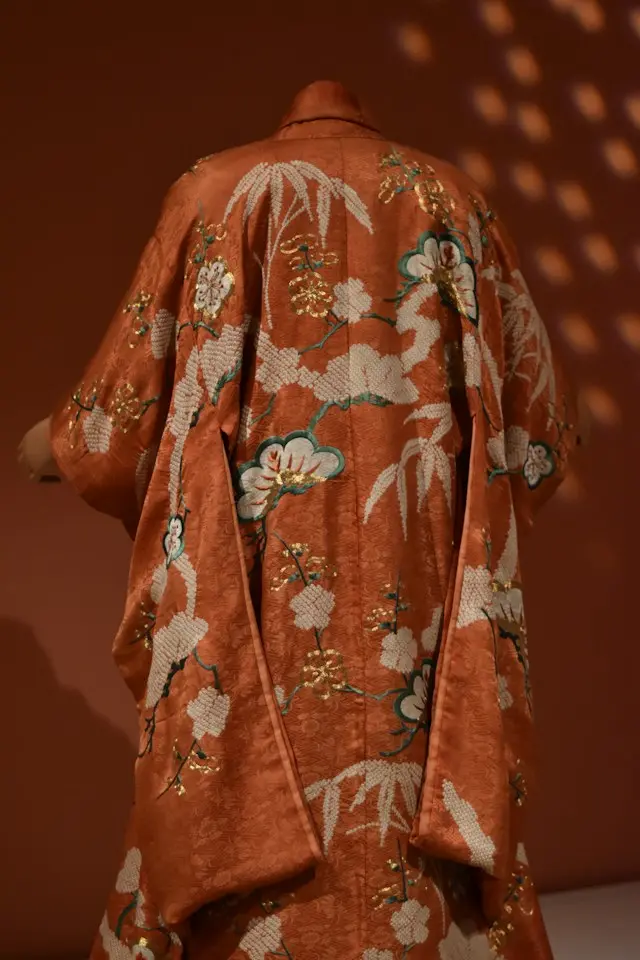
Haori pattern matchCrimson Ronin
FinishedCrimson Ronin
Photos, Up next and Groups
Compare
See how far it has come.
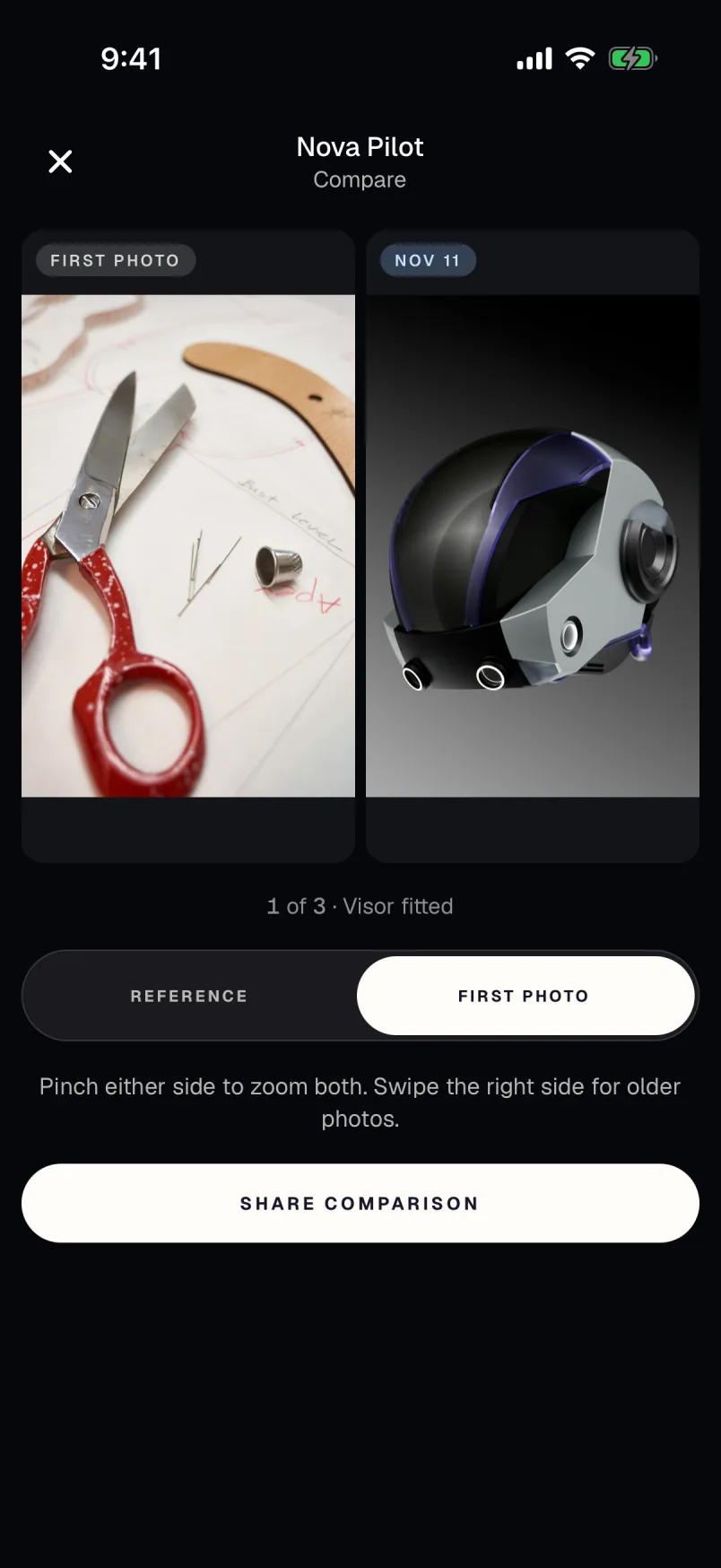
Photograph the build as it comes together. Progress photos line up by date, and Compare puts two side by side.
References, progress, worn
Keep what you work from, the build coming together and the finished costume apart. Tag any photo to its piece.
Side by side
A reference beside your latest photo, or the first beside the newest. Pinch either side to zoom both.
A card to share
Turn a build into an image for social posts, with no notes, costs or account details on it.
Your photos stay on your phone unless you turn on Pro sync.
Compare
Up next
Everything due, in one list.
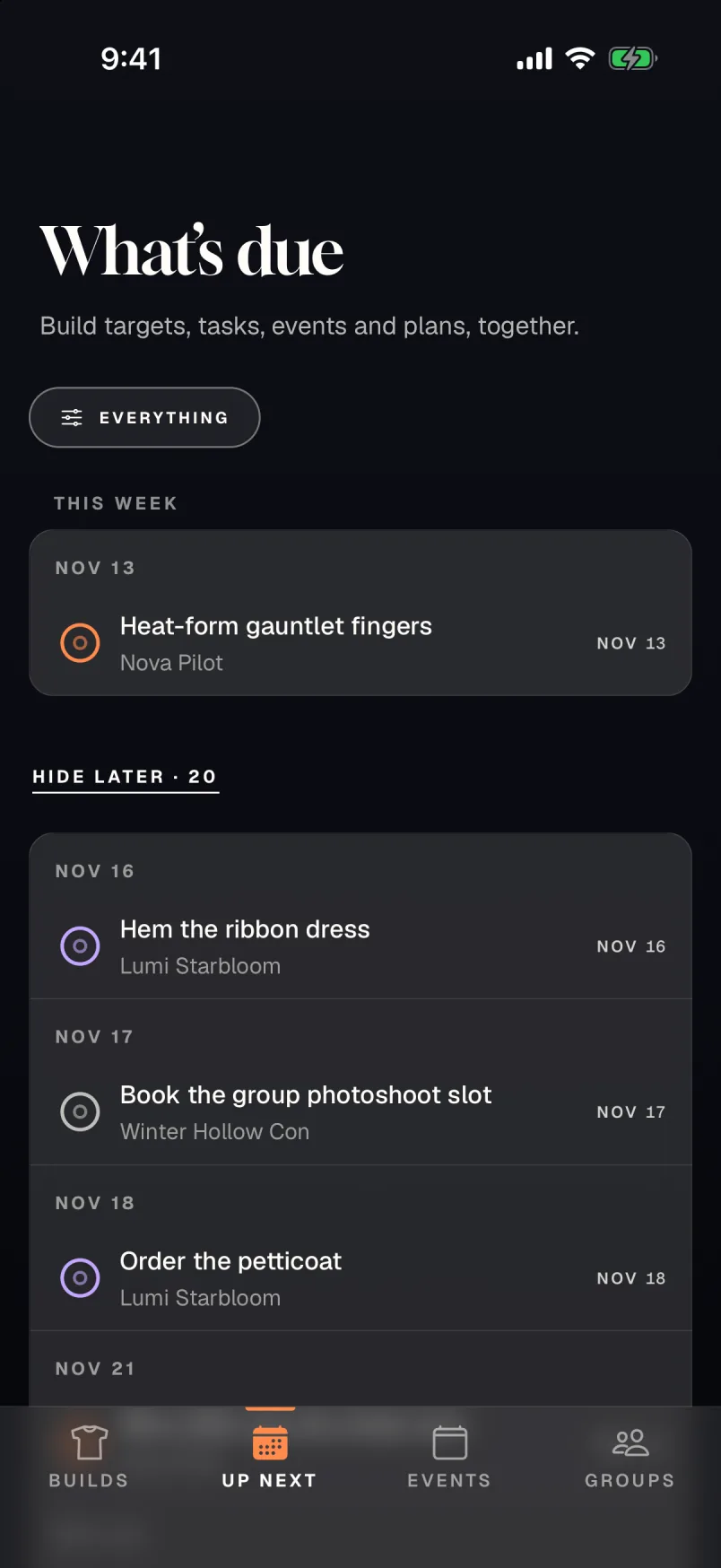
Tasks, build targets, events and the plans inside them, from every build, sorted into Overdue, This week and Later.
Tick it off from the list
Tap a task's ring to mark it done, with Undo if you tapped the wrong one.
Your con day
On an event day it opens on your day: the plan on now or next, where it is, what you wear, and Running late to push a plan back.
On your Lock Screen
On iPhone, the Con day widget counts down to the next event, and a Live Activity keeps the day's plan on the Lock Screen.
Up next
Groups
Plan the con with your group.
Private, invite-only groups for the people you go with. Share an event, answer each day, and see who is going as what.
Who is going, as what
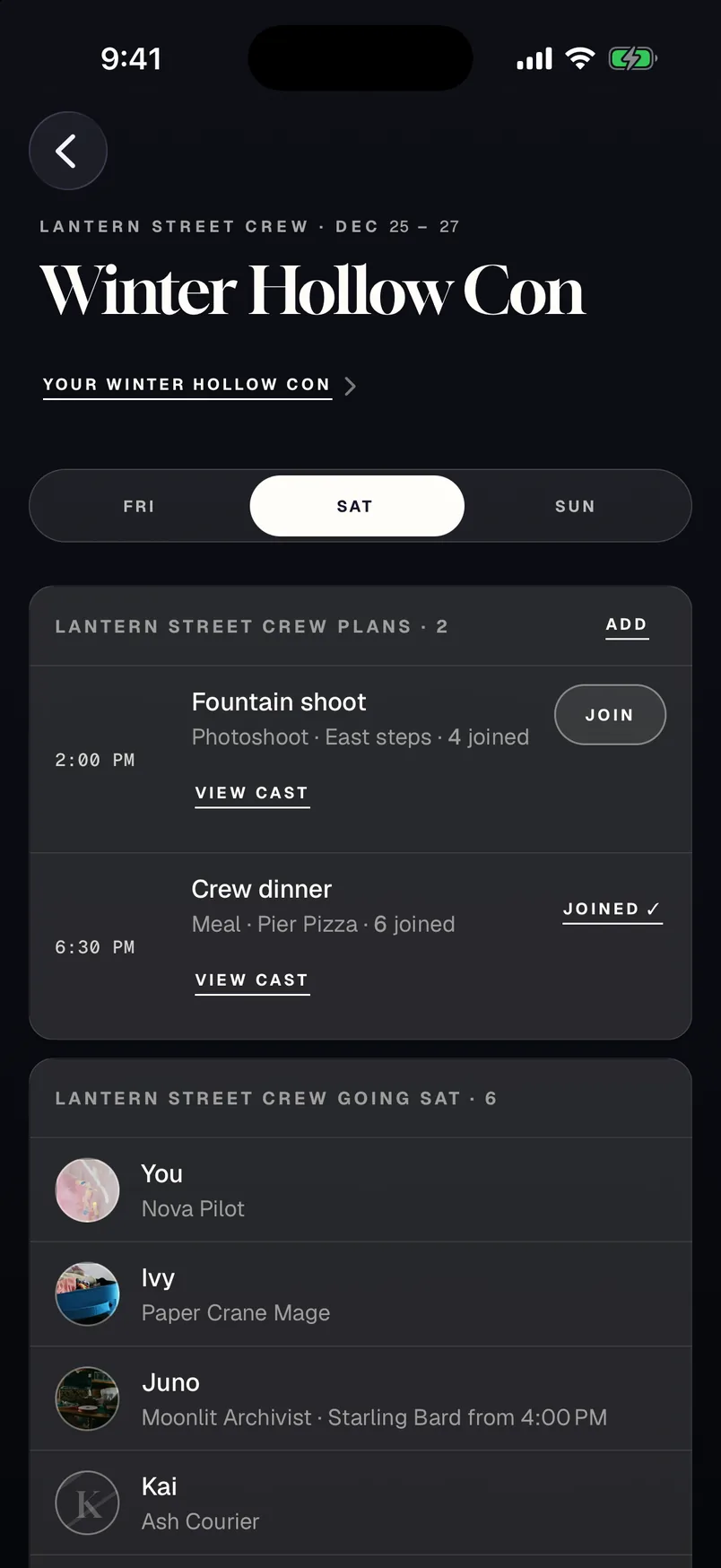
Members answer each day Going, Maybe or Can't, with the look they will wear.
Plans you can join
Add a group plan, like the fountain shoot at 2:00 PM. Members tap Join and it lands in their day.
Invite by link or QR code
People join only with your invite. Members see your name, your picture and what you share, never your personal studio, and anyone can be blocked or reported.
Groups are free with an account, in the phone app.
Groups
Free to plan. Pro to sync.
Open the app and plan: no account, no sign-up. Without Pro sync, your builds and photos stay on your phone unless you export them. Cosapp.si Pro adds cloud backup and sync, and room for bigger groups.
Free
$0
The whole planner: builds, pieces, tasks, photos, events, packing and Up next
Works offline, with no account
Back up everything to one .cosapp file, and send a copy of a build to a friend
Groups with a free account: run up to 4 groups of 12 members